Motorcycle Dashcams: Why You Need One and Which to Buy (2026)
By 6FOOT4HONDA · 13 min read · Mar 3, 2026 · Updated Mar 4, 2026

This post may contain affiliate links. We only recommend gear we'd use ourselves. If you click a link and make a purchase, we may earn a small commission at no extra cost to you.
In This Article
The best motorcycle dashcams are hardwired dual-channel systems like the INNOVV K5 ($300-350) that record front and rear footage automatically every ride. A motorcycle dashcam provides critical evidence for insurance disputes, hit-and-runs, and false fault claims, dramatically improving claim outcomes when another driver is at fault.
A car runs a red light and hits you. The driver tells the police you ran the light. It's your word against theirs. Without video evidence, the insurance company splits liability 50/50 — or worse, pins it on you.
With a dashcam, the footage shows exactly what happened. Claim settled. Case closed.
Motorcycle dashcams have gone from niche gadget to essential safety equipment. Hit-and-runs, insurance fraud, and "I didn't see you" excuses are daily realities for riders. A camera that runs every time you ride is your 24/7 witness.
This guide covers dedicated motorcycle dashcams, action cameras as dashcams, and the setup that actually works for daily recording.
Why Riders Need Dashcams
Insurance Disputes
In most motorcycle vs. car accidents, the car driver claims the rider was at fault. Without witnesses or video, insurance companies default to shared liability or blame the motorcyclist. A dashcam with clear footage of the other driver's violation eliminates the argument.
Hit-and-Runs
Hit-and-runs account for a disproportionate number of motorcycle accidents. A front-facing dashcam captures license plates. A rear-facing camera captures vehicles approaching from behind. Together, they identify the driver who fled.
False Claims
Insurance fraud targeting motorcyclists exists — staged accidents, exaggerated injuries, and fabricated damage claims. Your camera records the truth.
Riding Footage
Not every second is a crisis. A dashcam also captures your best rides — scenic routes, group rides, and the kind of footage that makes great content if you're into motorcycle content creation.
Some insurance companies offer discounts for dashcam users. Ask your insurer when you renew. The discount is small (5-10%), but it offsets the cost of the camera over time. More importantly, dashcam footage dramatically speeds up claims processing when you ARE in an accident.
Dedicated Motorcycle Dashcams vs. Action Cameras
There are two approaches: purpose-built motorcycle dashcam systems, or using an action camera (GoPro, Insta360) as a dashcam. Each has tradeoffs.
Dedicated Motorcycle Dashcams
What they are: Hardwired camera systems designed specifically for motorcycles. Typically include a main unit (hidden under the seat or in a tail section) with separate front and rear cameras, powered by the bike's electrical system.
Pros:
- Always-on — records automatically when you start the bike, stops when you turn it off
- Front AND rear cameras for complete coverage
- Loop recording — continuously overwrites oldest footage, keeping the most recent hours
- G-sensor locks footage during sudden impacts so it can't be overwritten
- No batteries to charge, no setup before each ride
- Weatherproof to IP67 standards
- Discreet — cameras are small and permanently mounted
Cons:
- Requires installation (wiring to battery, mounting cameras)
- Fixed mounting position — can't easily move between bikes
- Lower image quality than premium action cameras (1080p-2K typical vs. 4K+ on action cameras)
- Separate from your riding footage setup (if you also use a GoPro or Insta360)
Action Cameras as Dashcams
What they are: Using a GoPro, Insta360, or similar action camera mounted to your helmet or bike as a continuous recorder.
Pros:
- Higher video quality (4K, stabilization, better low-light)
- Dual-purpose — dashcam footage AND riding content
- Portable between bikes
- No installation or wiring
Cons:
- Battery life (1-2 hours typically) — not practical for all-day recording
- You have to remember to turn it on every ride
- Storage fills up fast at 4K — need to manage SD cards
- Not weatherproof in all conditions (depending on model)
- Single camera angle unless you mount multiple cameras
The ideal setup: both. A hardwired dashcam system for always-on insurance protection (1080p, front + rear, loop recording) PLUS an action camera for high-quality riding footage when you want it. The dashcam protects you legally, the action camera creates content.
Best Dedicated Motorcycle Dashcams
INNOVV K5
The gold standard for motorcycle dashcams. Dual-channel (front 4K + rear 1080p), hardwired to your battery, loop recording with G-sensor locking, GPS tracking, and WiFi for reviewing footage on your phone. IP67 waterproof cameras with a compact main unit that hides under your seat. The camera most recommended across moto forums.
Price: ~$300-350 | Resolution: Front 4K / Rear 1080p | Storage: Up to 256GB microSD | Features: GPS, WiFi, G-sensor, parking mode
The INNOVV K5 is the most popular dedicated motorcycle dashcam for a reason — it does everything, installs permanently, and just works. The cameras are small enough to be nearly invisible on most bikes, and the 4K front camera captures license plates clearly even at highway speed.
VSYSTO Motorcycle Dashcam
Budget-friendly dual-channel system with 1080p front and rear cameras. Includes a small display screen that mounts on your handlebar for real-time viewing. Hardwired with loop recording and G-sensor. Under $150 — the best value entry point for motorcycle dashcam protection.
Price: ~$100-150 | Resolution: Front 1080p / Rear 1080p | Storage: Up to 128GB microSD | Features: LCD display, G-sensor, loop recording
Viofo MT1 Motorcycle Dashcam
From Viofo, the trusted name in car dashcams. Dual-channel 1080p with Sony Starvis sensors for excellent low-light performance — critical for night riding. Compact, weatherproof, with WiFi and G-sensor. A solid mid-range option from a brand with proven reliability.
Price: ~$200-250 | Resolution: Front 1080p / Rear 1080p (Sony Starvis sensors) | Storage: Up to 256GB microSD | Features: WiFi, G-sensor, excellent low-light
Using Action Cameras as Dashcams
If you already own an action camera, you can use it as a dashcam with some workflow adjustments.
GoPro Setup
- Mount on your chin (inside helmet) for rider's-eye perspective
- Enable loop recording mode — this continuously records and overwrites old footage
- Set resolution to 1080p (not 4K) to maximize recording time
- Carry a spare battery or use a USB power bank for extended rides
Insta360 Setup
The Insta360 X4 or X3 captures 360-degree footage, which means you have front AND rear coverage from a single camera. You can reframe the footage after the fact to show any angle — front view for license plates, rear view for tailgaters, side view for intersection incidents.
This is the best action-camera-as-dashcam solution because one camera covers all angles. The invisible selfie stick mount on your helmet captures everything around you.
If you already have an Insta360, you may not need a dedicated dashcam. The 360-degree coverage gives you every angle. The main downside is battery life (1-2 hours) and remembering to turn it on. For commuters who ride the same 30-minute route, this works perfectly.
Installation Guide for Dedicated Systems
What You Need
- Motorcycle dashcam system (cameras + main unit + wiring)
- Basic tools (screwdrivers, zip ties, electrical tape)
- Multimeter (for finding switched power)
- 1-2 hours for clean installation
Basic Wiring
Most motorcycle dashcam systems wire to your battery through an included fuse tap or direct connection. The key is connecting to a switched power source — a circuit that only has power when the ignition is on.
Common switched power sources:
- Accessory fuse
- Tail light fuse
- USB/aux power if your bike has one
Why switched power matters: You don't want the dashcam running when the bike is off — it'll drain your battery. Some premium systems (INNOVV K5) have a built-in voltage cutoff that disconnects when battery drops below a safe level, enabling parking mode without killing your battery.
Camera Mounting
Front camera placement options:
- Below the headlight (pointed forward at road level — best for license plates)
- On the fairing or windscreen bracket
- Behind the windscreen (on naked bikes, above the instrument cluster)
Rear camera placement options:
- Under the tail section or license plate bracket (pointed backward)
- On the grab rail
- On the underside of the pillion seat
Tips for clean mounting:
- Route wires under bodywork and along existing wire harnesses
- Use zip ties every 6-8 inches to secure wiring
- Leave a service loop near connectors for future maintenance
- Test camera angles before permanently mounting — ride around the block and check footage
Test your dashcam after installation by reviewing actual riding footage. Vibration can cause the camera angle to shift over time. Check that the front camera captures the road ahead (including traffic lights and license plates) and the rear camera shows the lane behind you clearly.
Key Features to Look For
| Feature | Why It Matters |
|---|---|
| Loop recording | Continuously records, overwrites oldest footage — you never run out of space |
| G-sensor | Detects impacts and locks that footage so it can't be overwritten |
| GPS | Stamps footage with speed and location — useful for insurance claims |
| WiFi | Review and download footage on your phone without removing the SD card |
| Weatherproof (IP67+) | The cameras are exposed to rain, dust, and road spray |
| Parking mode | Records if someone hits your parked bike — requires hardwired power with voltage cutoff |
| Night vision / Starvis sensors | Many accidents happen at night — poor low-light footage is useless |
What to Do With Dashcam Footage After an Accident
- Do NOT continue riding with the dashcam recording after the incident. Loop recording will overwrite the crash footage if you keep riding. Turn the dashcam off or remove the SD card.
- Review the footage at the scene on your phone (if WiFi-enabled) to confirm it captured the incident.
- Make a backup immediately. Copy the footage to your phone, cloud storage, or email it to yourself. SD cards can fail, get lost, or be demanded by police.
- Share footage with your insurance company during the claims process. Dashcam footage dramatically speeds up claims and usually results in clear liability determination.
- Provide footage to police if requested. In most cases, dashcam footage supports the victim's account.
Check our what to do after a crash guide for the full post-accident process.
Which Setup Should You Choose?
| If You... | Get This |
|---|---|
| Want always-on protection, set-and-forget | INNOVV K5 (~$330) |
| Want budget always-on protection | VSYSTO system (~$120) |
| Already own an Insta360 | Use it as your dashcam for shorter rides |
| Want dashcam + content creation | Insta360 X4 + chin mount |
| Want maximum coverage | Dedicated dashcam (hardwired) + action camera (content) |
A dashcam pays for itself the first time someone says "you ran the red light" and your footage proves otherwise. The question isn't whether you need one — it's which one fits your riding.
Frequently Asked Questions
Do I need a dashcam on my motorcycle?
Yes, a motorcycle dashcam provides critical evidence in insurance disputes, hit-and-runs, and false fault claims. Without video proof, insurance companies often default to shared liability or blame the motorcyclist when it is your word against a car driver.
What is the best motorcycle dashcam?
The INNOVV K5 is the most recommended dedicated motorcycle dashcam. It offers dual-channel recording with 4K front and 1080p rear cameras, hardwired installation, loop recording, G-sensor impact detection, GPS, and WiFi for around $300-350.
Can I use a GoPro as a motorcycle dashcam?
You can use a GoPro as a dashcam, but it has limitations including short battery life of 1-2 hours, no automatic recording on startup, and single-angle coverage. For always-on protection, a hardwired dedicated dashcam system is more reliable.
Does motorcycle dashcam footage help with insurance claims?
Yes, dashcam footage dramatically speeds up insurance claims and usually results in clear liability determination. Some insurers even offer 5-10 percent discounts for riders who use dashcams, which helps offset the camera cost over time.
How do you install a motorcycle dashcam?
Most dedicated motorcycle dashcams wire to your battery through a fuse tap connected to a switched power source like the accessory fuse. Front cameras mount below the headlight or on the fairing, and rear cameras mount under the tail section or license plate bracket.
Written by
6FOOT4HONDAMotorcycle creator with 1.2M+ subscribers on YouTube and 2M+ across all platforms. Riding and filming since 2016, with 1,000+ videos covering beginner riding tips, gear reviews, stunts, and road trips. Every product recommended on this site has been personally tested on real rides — from highway touring to track days to stunt sessions. Based in the US, riding year-round.
Related Articles
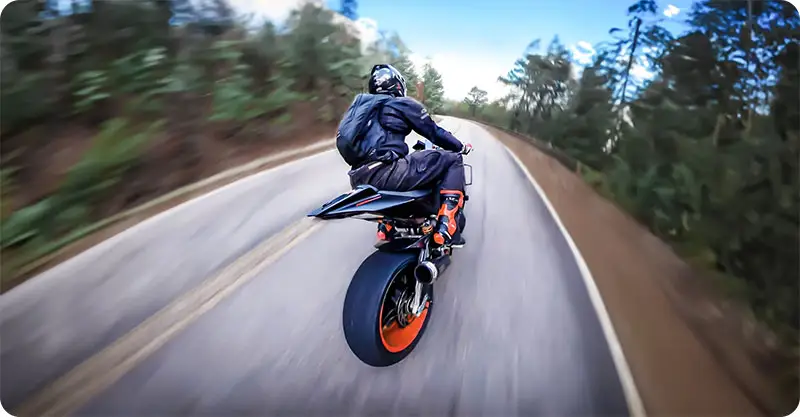
Best Motorcycle Dash Cam 2026: 7 Cameras Tested
The best motorcycle dash cam is the Insta360 X4 Air — 8K 360 coverage, 165g, and no blind spots. Plus 6 more picks for every budget.
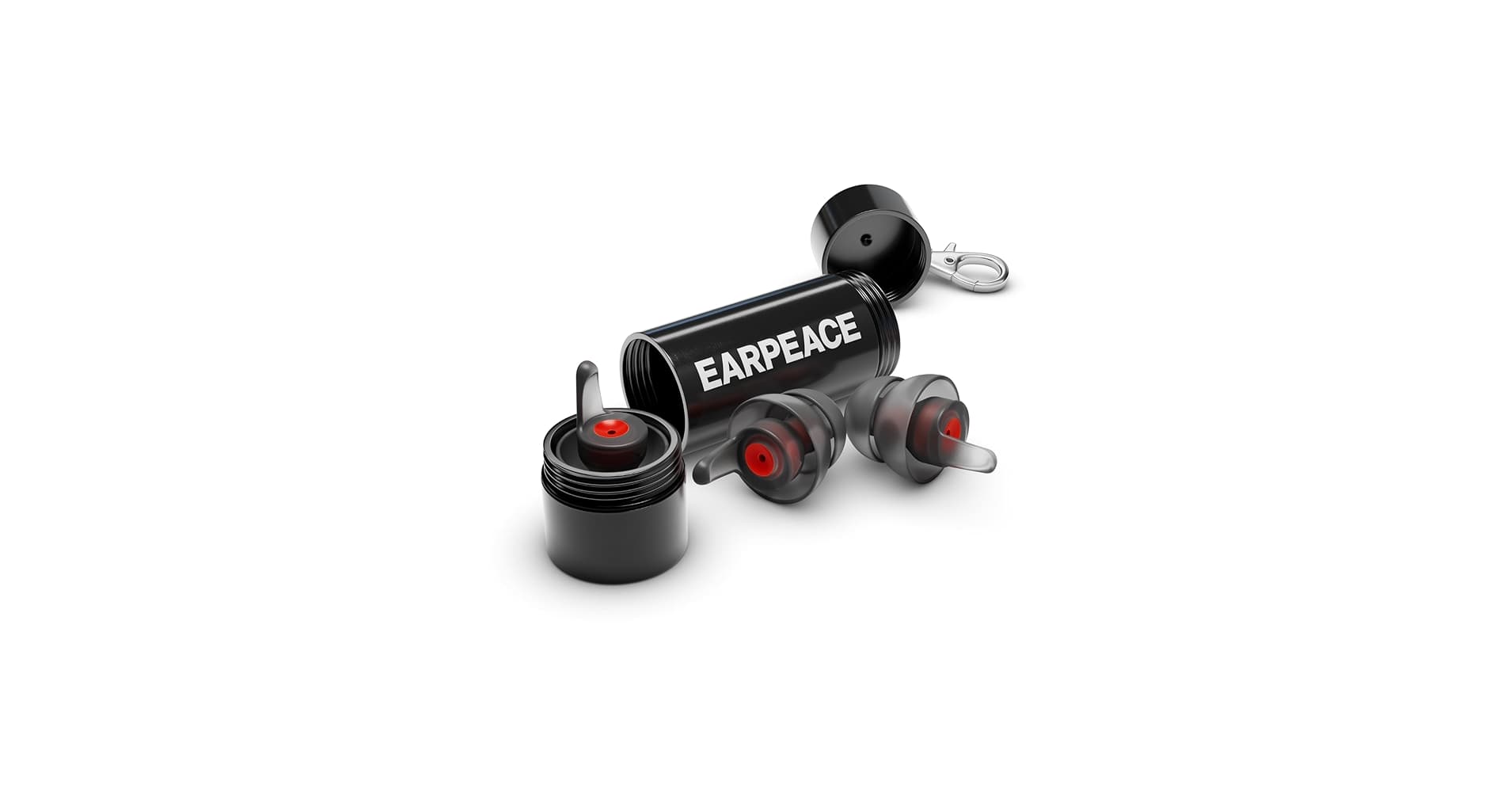
Best Motorcycle Earplugs for Riding (Noise Tested, 2026)
We tested the top motorcycle earplugs for wind noise, comfort, and sound quality. Here are the 7 best earplugs for riders in 2026 — from $5 foam to $35 high-fidelity filtered plugs.
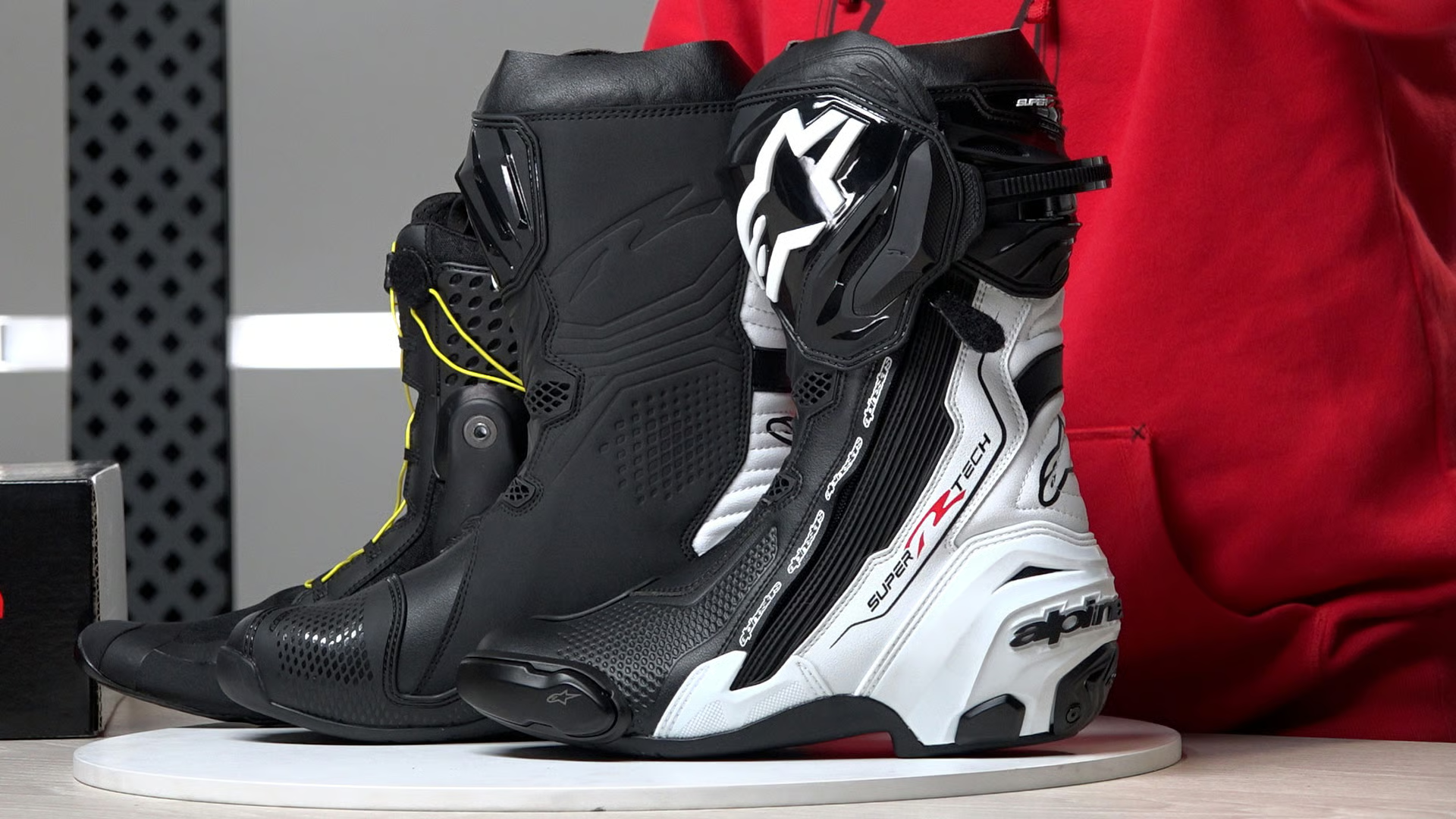
7 Best Motorcycle Boots for Beginners (2026)
The best beginner motorcycle boots compared. Ankle protection, waterproofing, and sole grip explained — from casual riding shoes to full touring boots.